
How to Choose Products from the USFans Spreadsheet and Buy with USFans
Use the homepage search box to find a product, or browse the spreadsheet categories and choose the item you want. Open the product page, select Buy Link, then continue with either the USFans Link or the original Weidian Link.
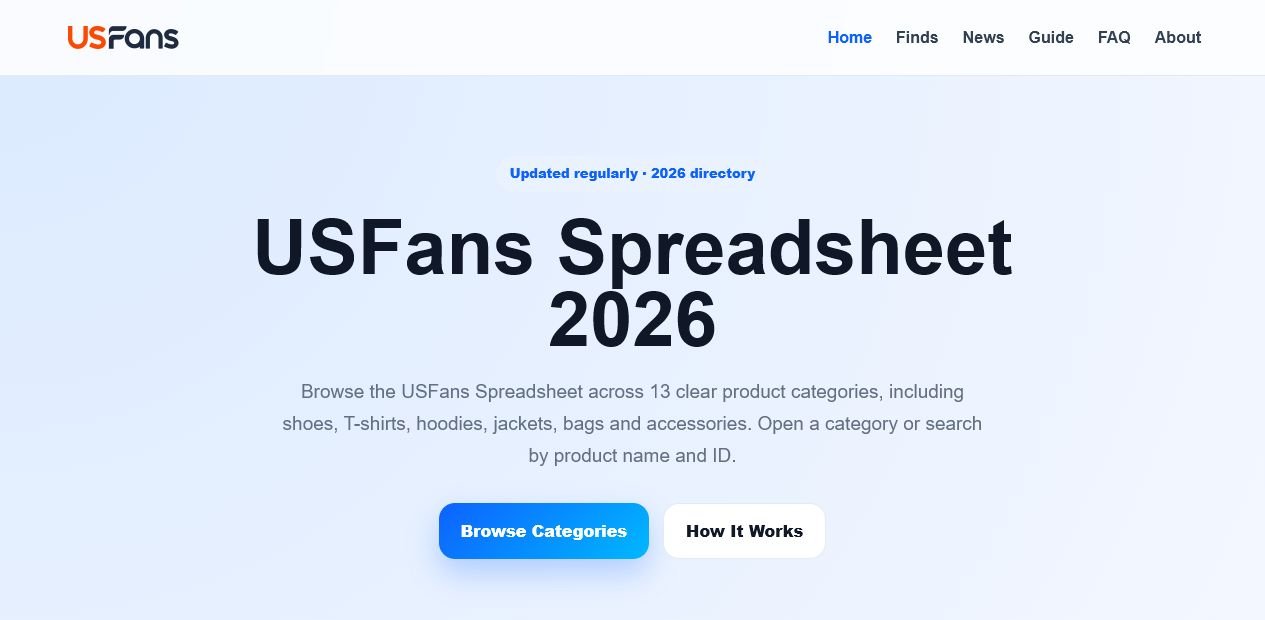
Search or browse for the product you want
Use the homepage search box to look for a product name, keyword or Product ID. You can also browse the spreadsheet product categories and choose the item you want.
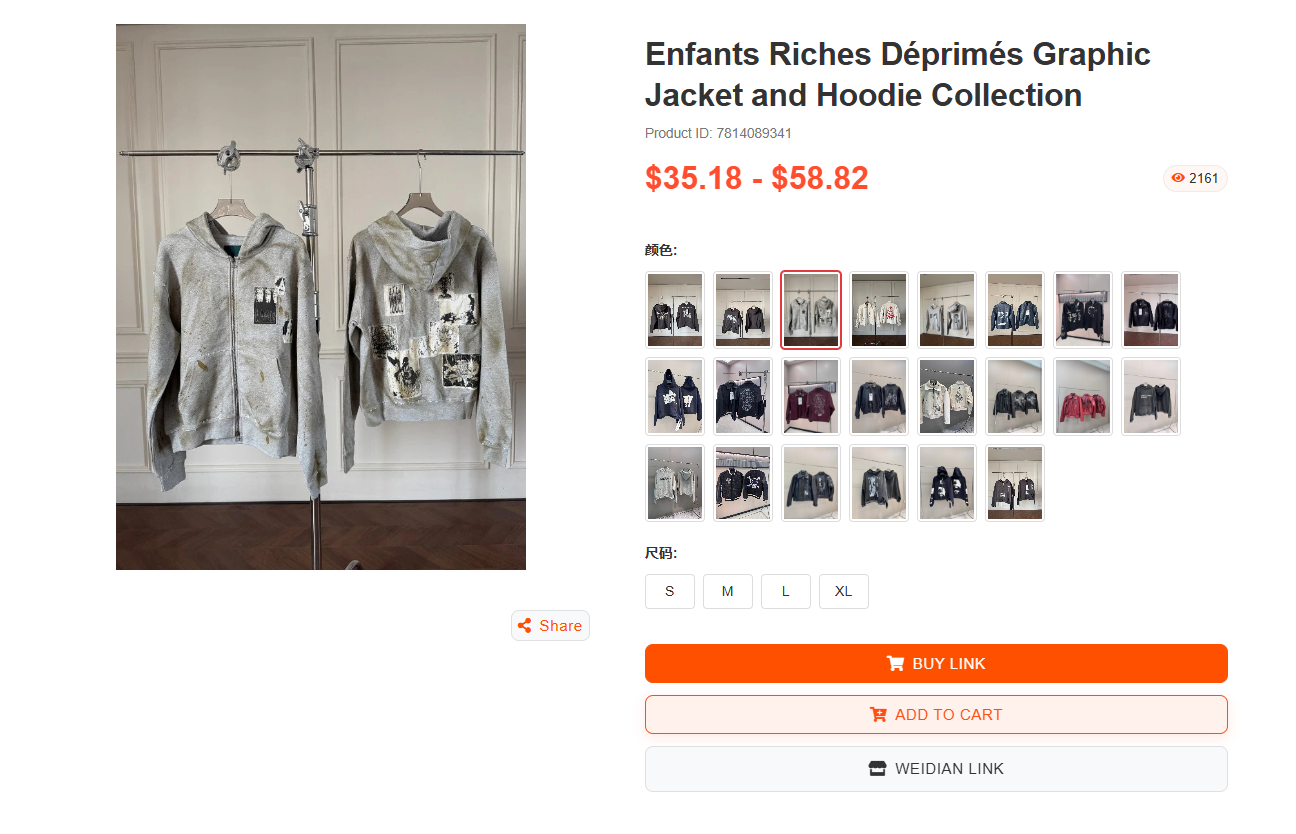
Open the product and select Buy Link
Open the product you want to purchase and review its details. Select Buy Link on the product page to display the available purchasing platforms.
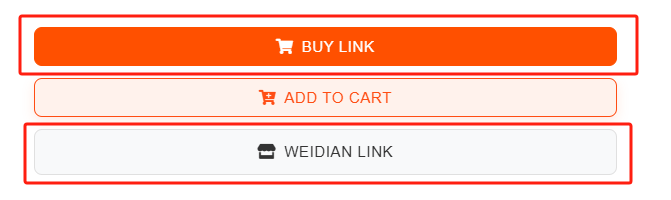

Choose USFans Link or Weidian Link
Choose USFans Link to open the product directly in the USFans purchasing interface. Alternatively, open Weidian Link, copy the product URL and paste it into the official USFans website to continue purchasing.
See how to paste a product link and buy with USFans